
Resolution without satisfaction is when an AI support agent technically closes the user’s issue, but the customer leaves the conversation annoyed, uncertain, or less likely to trust the product next time.
This is one of the most common fake wins in AI support.
The agent answered the question. The workflow completed. The ticket got marked resolved. The dashboard smiled. Everyone moved on.
Except the customer hated the experience.
Not hated enough to write an angry support rating. Just hated in the quiet, expensive way: “I do not want to deal with this product again unless I have to.”
That feeling does not show up in your resolution rate.
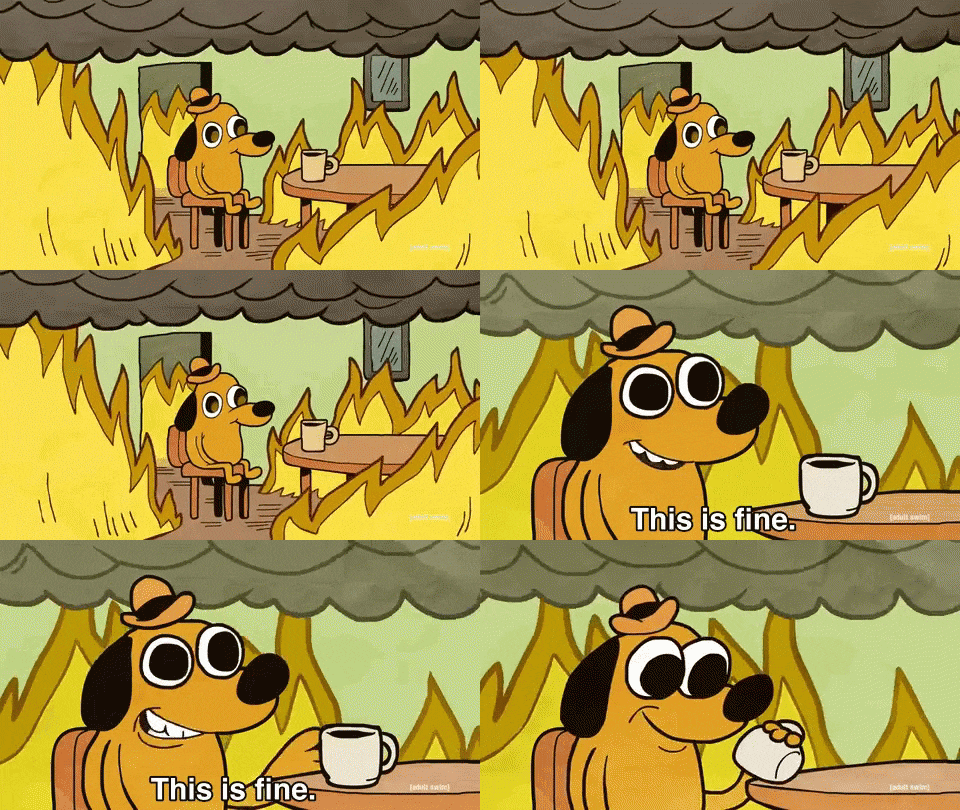
^ support ops celebrating a 91 percent resolution rate while customers are emotionally filing taxes in the chat window
How can a resolved support conversation still be bad?
Because “resolved” is often defined from the company’s point of view. Did the bot answer with the right policy? Did it send the reset link? Did it close the ticket without a human?
Those are useful operational signals. But they are not the same as customer experience.
Customers care about different things:
- Did I understand what happened?
- Did I feel blamed?
- Did I have to repeat myself?
- Did the answer match my situation?
- Do I trust this company more or less now?
A support agent can satisfy the internal checklist and still fail every one of those. Automation makes this easier to miss. AI agents can keep producing policy-correct replies while the customer gets colder every turn.
What are the most common “resolved but hated” patterns?
There are five patterns we see constantly.
| Pattern | What the dashboard says | What the customer feels |
|---|---|---|
| Policy dump | Resolved with correct answer | “You did not listen to my situation” |
| Link shove | Self-serve success | “Why did I have to ask support for a link?” |
| Looping apology | Positive tone maintained | “Stop apologizing and fix it” |
| Premature closure | Ticket resolved | “I still do not know what to do” |
| Robotic accuracy | Correct facts provided | “This company has no judgment” |
Pattern 1: The policy dump
The customer asks why they were charged twice. The agent replies with the billing policy, proration details, renewal language, maybe a nice little “hope this helps.” It might be technically accurate. It might also be the wrong answer emotionally.
The customer did not ask for a policy document. They asked because money left their account. If the agent leads with policy instead of diagnosis, the customer feels processed, not helped.
Better support response: “I see two charges because your workspace upgraded on July 3 and renewed on July 7. One is prorated, one is the monthly renewal. The total is correct, but I get why it looked like a duplicate.”
Pattern 2: The link shove
This one makes founders overconfident. The agent sends the right docs link. The user clicks. Ticket closes. Great deflection.
But the customer asked support because the product did not make the path obvious. Sending a link may solve the immediate task while preserving the underlying confusion.
If 400 customers ask for the same link every month, the win is not “the bot deflected 400 tickets.” The win is “why is this link so hard to find?”
Your support agent is not just a cheaper help desk. It is a sensor for product friction.

^ the customer reading the docs link your agent sent instead of answering the actual account-specific question
Pattern 3: The looping apology
“I’m sorry for the confusion.” “I understand how frustrating that can be.” “I apologize for the inconvenience.”
After the third one, the apology becomes seasoning on a bad sandwich. The agent is trying to sound empathetic, but it has no new action.
If the agent cannot take action, it should say that quickly and escalate.
Pattern 4: The premature closure
The agent asks, “Did that solve your issue?”
The customer says, “I guess.”
Ticket resolved.
No. That is not resolution. That is surrender. Watch for weak acceptance language: “I guess,” “ok fine,” “sure,” “whatever,” “I’ll try that.” These are not green signals.
Pattern 5: Robotic accuracy
This is the hardest one because the answer is correct. The customer asks for an exception. The agent explains why exceptions are not allowed. The policy is right. The tone is clean. The conversation is marked resolved.
But the issue needed judgment. Maybe the customer was affected by a known outage. Maybe they are a high-value account. If your AI agent cannot exercise discretion, it needs to know when to get a human.
Which metrics catch resolution without satisfaction?
Do not throw away resolution rate. Just stop treating it as the whole truth. Add these support-specific conversation metrics:
| Metric | Definition | Why it matters |
|---|---|---|
| Recontact rate | Customer returns with same issue within 7 days | Detects fake resolution |
| Rephrase count | Same intent repeated in one thread | Detects misunderstanding |
| Weak acceptance rate | “I guess,” “ok,” “fine,” “I’ll try” near close | Detects surrender |
| Sentiment drop | Customer tone worsens after agent replies | Detects emotional damage |
| Human rescue rate | Human later fixes an AI-resolved case | Detects bad closure |
| Policy-dump rate | Long generic policy answer to account-specific issue | Detects lazy correctness |
If you only add one, add recontact rate by issue category. A support agent that “resolves” password reset questions but those users come back two days later is not resolving. It is delaying.
If you add two, add weak acceptance rate. It catches the conversations where the customer does not have enough energy to fight the bot.
What should an AI support agent do differently?
The answer is not “be more human.” That phrase has been abused into paste. The answer is: be more specific, more aware of customer state, and faster to admit limits.
A good support agent should do four things before closing:
- Name the customer’s actual issue in plain language.
- Explain what happened using account-specific context when available.
- Give the next action, not a scavenger hunt.
- Check for confidence, not politeness.
Bad close: “Glad I could help. Have a great day!”
Better close: “You should now be able to log in with the new email. If it still fails, the likely cause is an old SSO session, so reply here and I will route this to an account specialist.”
That second one is not more flowery. It is more useful.

^ teams realizing customers prefer one useful sentence over six paragraphs of warm mush
When should support automation escalate?
Escalation should not be treated as failure. Bad escalation is failure. Good escalation is product judgment.
Escalate when:
| Trigger | Example |
|---|---|
| Money is involved and the customer disputes it | Refunds, duplicate charges, plan mismatch |
| The customer repeats the same issue twice | “No, that is not what I mean” |
| The agent lacks account context | Cannot see order, workspace, invoice, logs |
| The tone turns sharp | “This is ridiculous” |
| The answer depends on judgment | Exceptions, goodwill credits, enterprise promises |
| The customer is high-risk | New paid user, renewal window, active incident |
The agent should also tell the human why it escalated. Not “customer needs help.” Come on. Give the invoice, what was tried, why confidence is low, and the next best action.
FAQ
Is a low CSAT enough to catch this?
No. Most customers do not rate support conversations, especially when the experience is mildly bad instead of catastrophic. The dangerous cases are often unrated.
Should every unhappy customer go to a human?
No. But repeated confusion, billing disputes, access issues, and judgment calls should escalate quickly. The agent should not cosplay confidence when it has no authority.
Does this mean AI support agents are bad?
No. It means “resolved” is a weak metric by itself. AI support can be excellent when it is measured on customer outcome, not just ticket closure.
TL;DR
Your AI support agent can resolve the ticket and still damage the customer relationship.
Watch for policy dumps, link shoves, looping apologies, premature closure, and robotic accuracy. Add recontact rate, weak acceptance rate, sentiment drop, and human rescue rate next to resolution rate.
Agnost helps teams see this layer inside support conversations: which resolved chats were actually healthy, which ones were fake wins, and which ones need a product or escalation fix. No hard pitch. Just please stop celebrating closed tickets that customers hated.
Reading Time: ~8 min